 Autopilot SEO
AI Setup & AutomationPut your fixes on autopilot.
Connect Autopilot SEO to your GitHub repo and an AI agent. When you push an issue from the app, your AI automatically fixes the code, opens a pull request, and notifies you — no manual work required.
Setting Up With Claude Code
The fastest way to get started. Claude Code can monitor your repo and respond to new issues automatically.
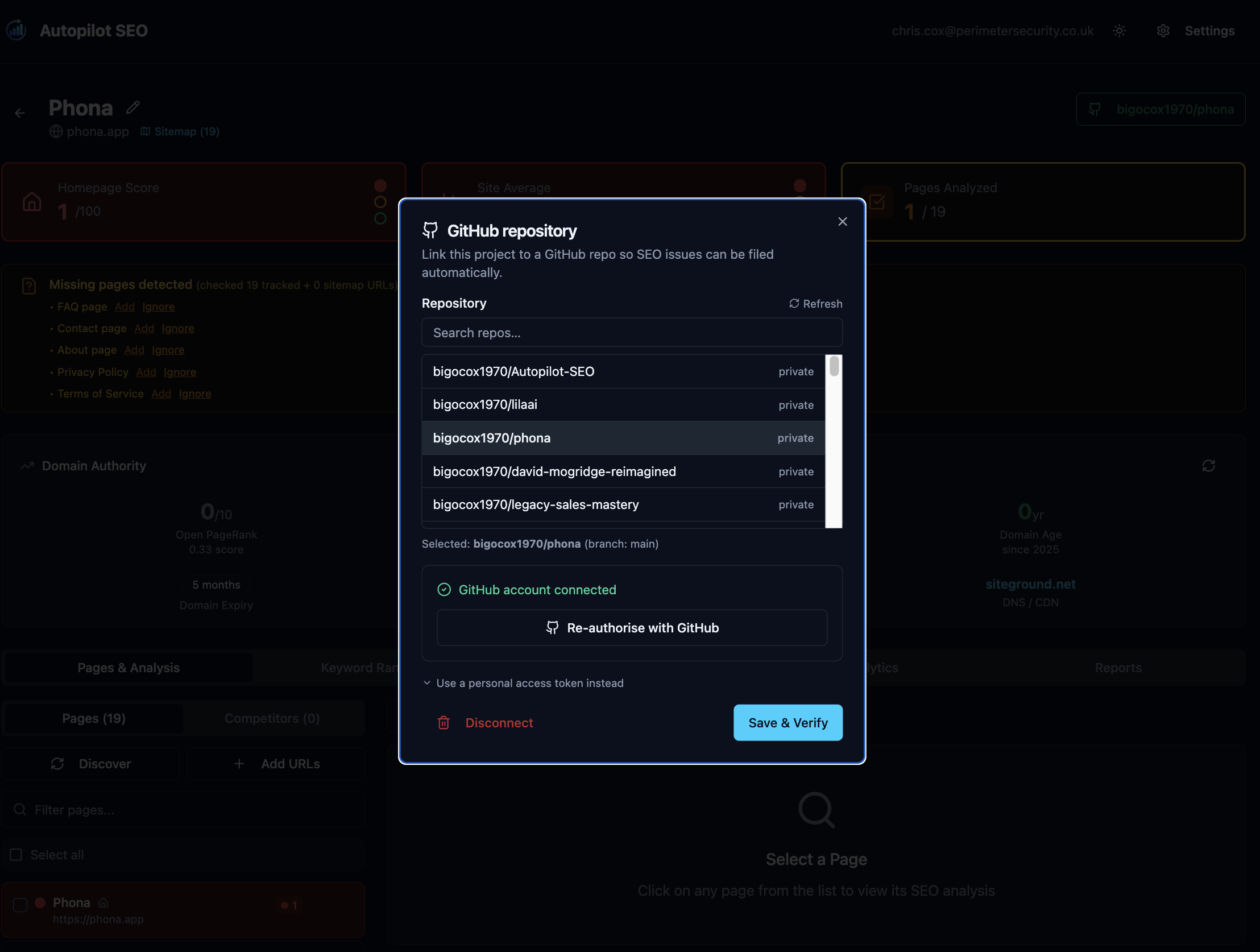
1Connect your repo in Autopilot SEO
Open your project dashboard, click the GitHub button, and authenticate with OAuth. Select the repo that hosts your website code. Autopilot SEO stores your token securely (AES-GCM encrypted).
2Set up a GitHub Actions workflow to watch for new issues
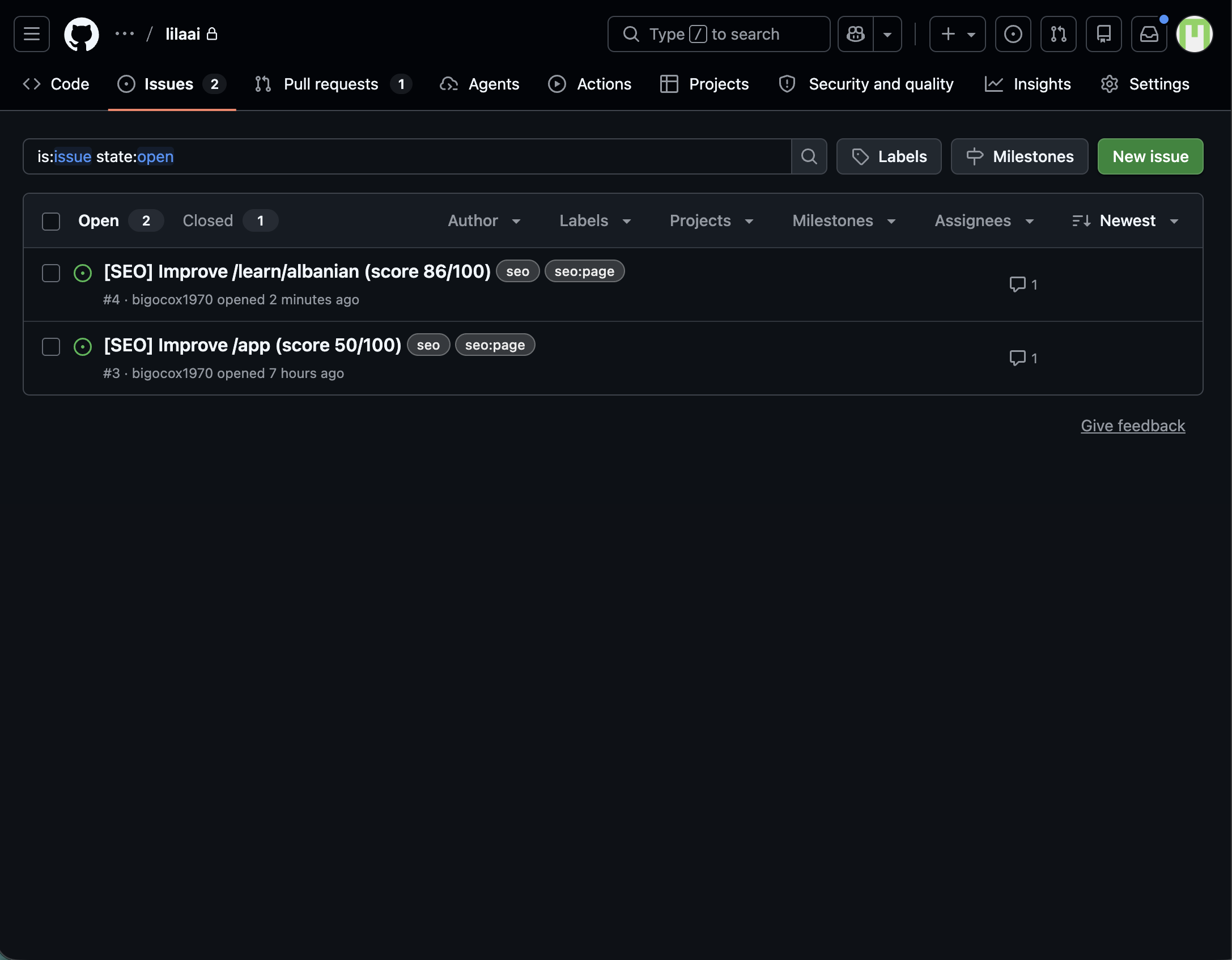
Use a GitHub Actions workflow to monitor for new issues labelled seo-fix (Autopilot SEO adds this label automatically).
# .github/workflows/seo-autopilot.yml
name: Autopilot SEO
on:
  issues:
    types: [opened, labeled]

jobs:
  fix:
    if: contains(github.event.issue.labels.*.name, 'seo-fix')
    runs-on: ubuntu-latest
    steps:
      - uses: actions/checkout@v4
      - name: Run Claude Code fix
        run: |
          claude -p "$(cat <<'EOF'
          Read GitHub issue #${{ github.event.issue.number }}:
          ${{ github.event.issue.body }}

          Apply the fix described. Create a branch named
          fix/seo-issue-${{ github.event.issue.number }},
          commit the change, and open a pull request.
          EOF
          )"
        env:
          ANTHROPIC_API_KEY: ${{ secrets.ANTHROPIC_API_KEY }}
GITHUB_TOKEN: ${{ secrets.GITHUB_TOKEN }}3Configure deploy previews (optional but recommended)
Netlify and Vercel automatically build preview deployments for every PR. Enable this in your hosting dashboard — you'll get a unique URL to verify the SEO fix is live before merging to production.
4Enable notifications
GitHub sends email notifications when a PR is opened. For SMS or Slack alerts, add a notification step to your workflow using a service like Twilio or a Slack webhook. Your phone will buzz when the fix is ready to review.
Agent Instructions File
Drop this into your project as AGENTS.md or paste it into your CLAUDE.md. It tells your AI agent exactly how to read Autopilot SEO issues, apply fixes, name branches, and format pull requests.
Works with
any AI agent.
Autopilot SEO is not tied to any specific AI. Any tool that can read GitHub Issues and write code will work. We've tested and documented the full workflow for the most popular options.
Claude Code
Anthropic's CLI agent. Reads the issue, writes the fix, opens the PR.
GitHub Copilot Workspace
GitHub's native AI coding environment. Assign the issue directly to Copilot.
Custom Automation
Any script or agent (Python, n8n, Make) that calls the GitHub API and an LLM.
Ready to put your SEO on autopilot?
Connect your site, push your first issue, and watch AI handle the rest.